TRAVEL GUIDE · CHINA
China eSIM, roaming or local SIM? A mobile-internet guide for visitors
Choose the connection that fits your trip, prepare it before departure and avoid discovering a phone problem when you need maps, payments or a hotel address.
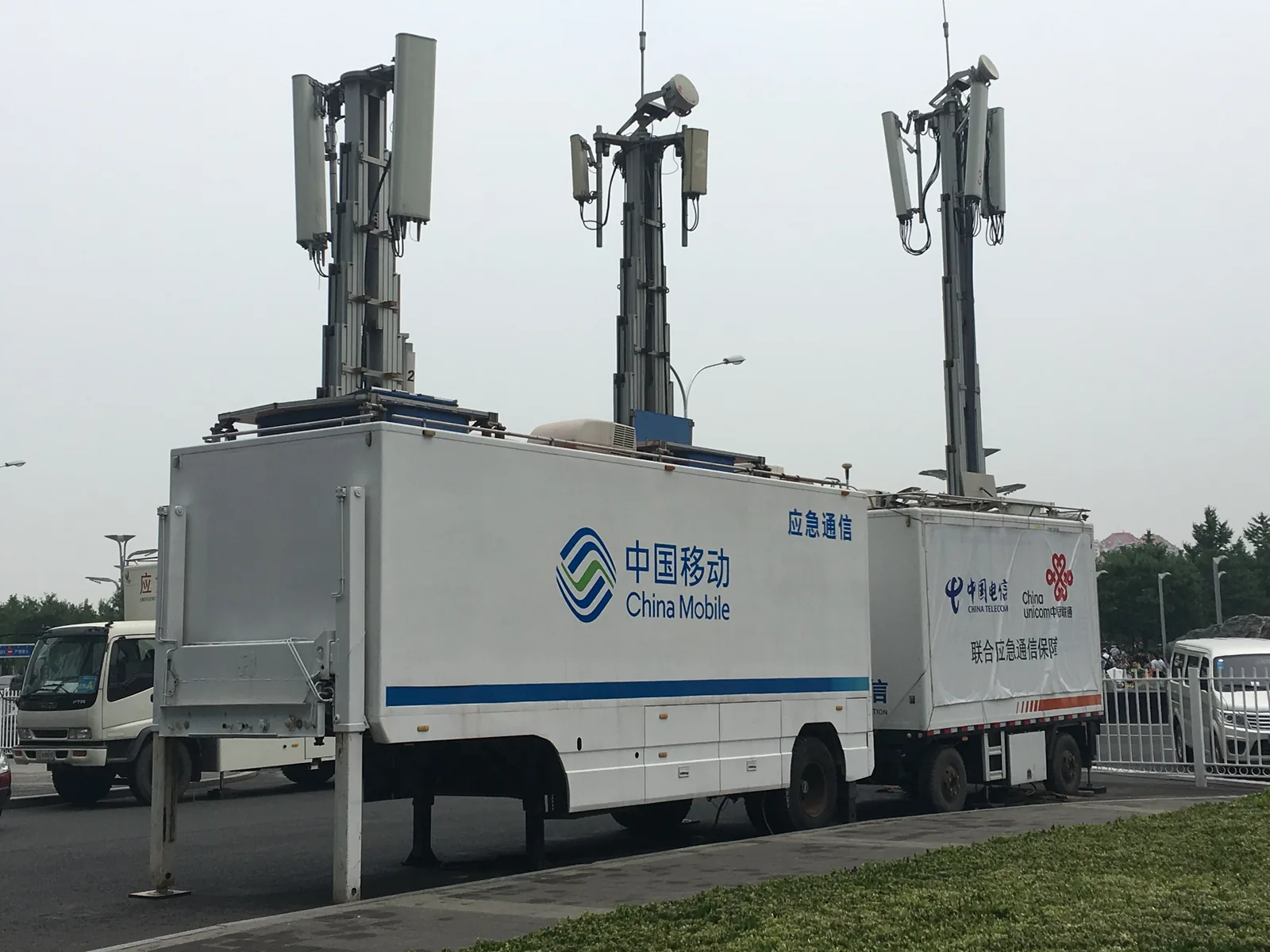
Mobile data underpins maps, translation, payments and everyday travel in China. For most visitors, the useful choice is between a travel eSIM, international roaming and a local physical SIM — with a small backup plan around whichever one you choose.
01
Start with the real question: data, or a China number?
A short trip built around maps, messaging, payment apps and translation may only need data. A local Chinese number can matter more for a longer stay, local calls or services that explicitly require one. Do not assume that a product described as a ‘China eSIM’ includes a mainland number, calls or SMS: many travel eSIMs are data-only. Read the product’s exact inclusions before buying.
02
Travel eSIM: simple, but confirm the device first
A travel eSIM can be installed before departure on a compatible, carrier-unlocked phone, leaving the physical SIM in place. Before purchasing, confirm eSIM support, how many active lines your phone permits, the plan’s validity period, whether hotspot sharing is allowed, and its activation and refund rules. Install it while you have reliable Wi-Fi, but check when the validity clock starts; it may differ between providers.
03
International roaming: a useful safety net
Roaming on your regular number is often the easiest way to keep receiving familiar SMS verification messages. It can also be an effective first-day backup, but prices, daily allowances and overage charges vary widely. Ask your home carrier about China data, voice and SMS availability before departure, and do not enable roaming data until you understand the plan that will apply.
04
Local SIM: best when you really need a local number
China’s government guidance says foreign visitors can take a passport to service offices of China Telecom, China Mobile or China Unicom to apply for and activate a SIM card. Plans can combine data and call time, and differ by operator. Use an official operator service hall, take the original passport and make sure the phone is unlocked and compatible. The current telecom guidance also says the visitor must apply in person with valid identification.
05
Prepare before the flight
Test whether the phone is unlocked, verify eSIM capability and decide whether your home line must stay available for security codes. Download and sign in to maps, translation, payment, airline and hotel apps before you leave. Save important addresses and booking references offline. If you use a travel eSIM, install it on Wi-Fi in advance and follow the provider’s instructions for the moment you should turn it on.
06
Test the connection with a small task
After landing, set the intended line as the data line and make sure unwanted roaming data is disabled on the other line. At the airport or hotel, try a simple map search or send one message before depending on the connection for a late ride, a ticket purchase or a payment verification. Keep the home SIM available for SMS only if that is part of your plan, and watch out for accidental data roaming.
07
Protect data, battery and your fallback
Video autoplay, photo backup and automatic updates can exhaust a travel plan quickly. Restrict large downloads to Wi-Fi and set a data-use warning. Carry a power bank, and keep a card, small cash reserve, hotel address and key booking references available away from the phone. Internet access is important, but it should never be the only way to reach your accommodation or pay for transport.
Before you buy a travel eSIM
- Is the phone unlocked and eSIM-compatible?
- Does the plan include data only, or a mainland number and SMS?
- When does validity begin?
- How much data, hotspot sharing and customer support does it include?
- Can you keep your home SIM ready for verification messages without using its data?
The safest mobile setup is the one you test before you need it: a compatible phone, a clear activation plan and a simple offline backup.