TRAVEL GUIDE · CHINA
Using QR codes in China: a practical guide for visitors
Prepare your phone, understand what a code opens and confirm important details before you act.
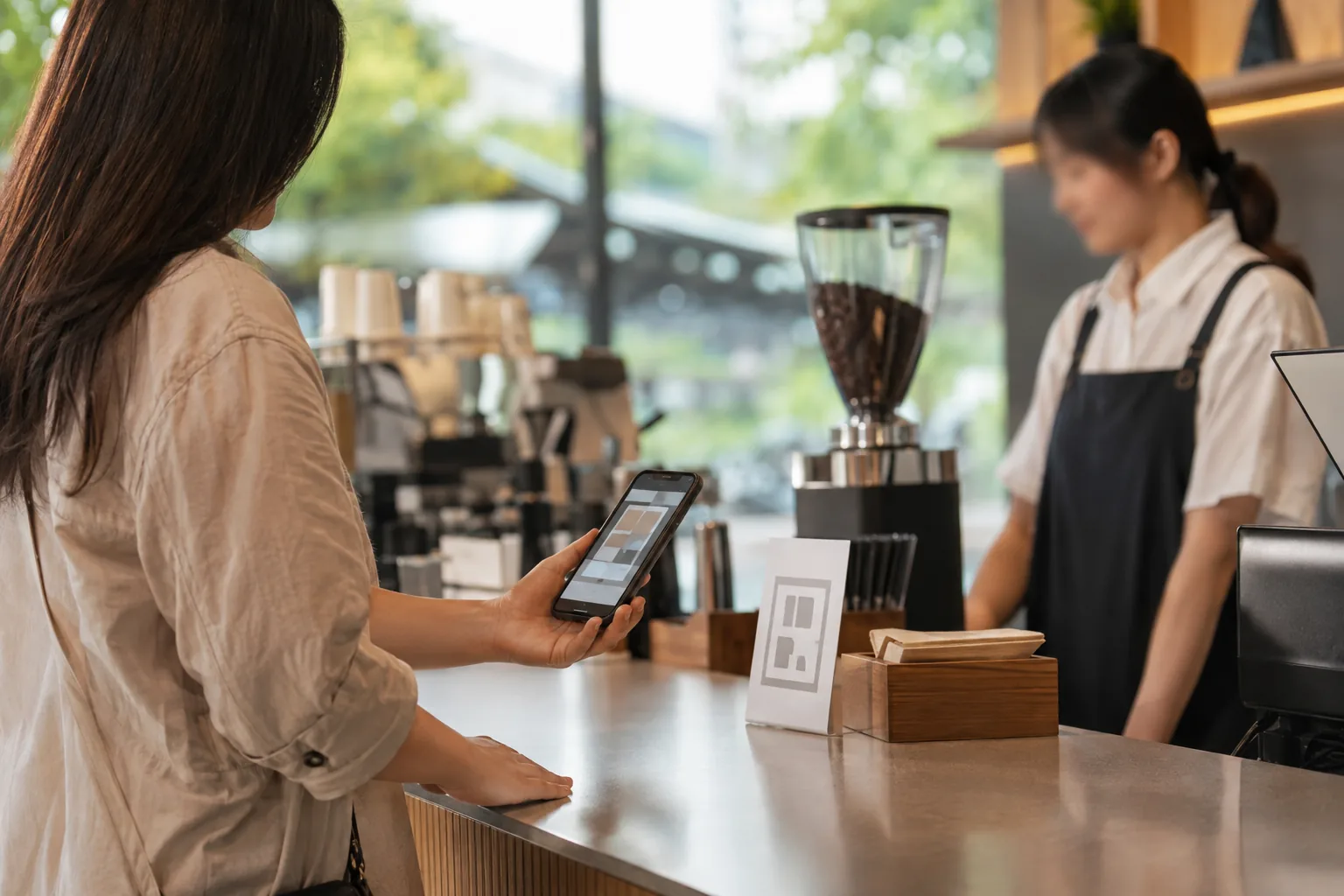
QR codes appear in everyday travel moments, from menus and payments to visitor information. They are useful when you know what they are intended to open and keep a simple backup ready.
01
Check what the code is meant to open
A code may lead to a menu, payment page, queue, app install or Wi-Fi connection. Read the surrounding sign and use codes from a clear, trusted setting such as an official counter, your booking or a business you are visiting.
02
Test your phone before travel
Check that your camera, mobile data, maps and payment method work on your own phone before departure. Keep important addresses and booking details as screenshots in case a live connection is weak.
03
Confirm menus and orders clearly
A table code may open a menu or ordering screen. For allergies, dietary needs, quantities or the final total, use a short question and confirm with staff rather than relying only on a translated screen.
04
Treat payment codes carefully
Check the amount, merchant and direction of a payment before confirming. Do not use an unexpected code or link for a transaction you did not start, and keep a travel-appropriate backup payment method.
05
Stop at unfamiliar requests
If a code leads to an unfamiliar app install, password prompt, financial-information request or broad permissions, pause. Return to an official app store, your booking service or a member of staff you can identify.
A QR code is a doorway, not a reason to rush. Knowing what it opens keeps a useful travel tool both practical and safer.